 Abstract27
Payment Systems for Content Creators: 2026 Stripe + Ghost Guide

On this page
- The fastest way to start accepting payments
- Choosing your payment stack: Stripe + Ghost memberships
- Setting up Stripe on Ghost CMS
- Configuring your subscription tiers
- Test before you launch
- Getting paid: how Stripe payouts work
- Tax, VAT and staying compliant
- Designing a checkout people actually complete
- Limitations and custom options
- FAQ
- Conclusion
If you create content for a living, getting paid should be the easy part. In 2026, it can be — thanks to Ghost® CMS and its native, no-plugin integration with Stripe. Together they let you accept card payments, run paid memberships and subscriptions, and collect recurring revenue directly from your own site, with no third-party platform skimming your earnings.
This guide walks you through setting up payments end to end: connecting Stripe, building subscription tiers, getting your payouts, staying compliant on tax, and turning your checkout into something readers actually complete.
Why payment systems matter for creators:
- Readers pay for what they value — and the subscription economy keeps growing as audiences move away from ad-funded models.
- A large share of buyers abandon a purchase when their preferred payment method (cards, Apple Pay, Google Pay) isn't offered.
- Owning your payment relationship means you keep your audience, your data and your margin — instead of renting them from a closed platform.
The fastest route to a working payment system is managed hosting: it gives you a secure, SSL-enabled Ghost site where Stripe is built in and ready to switch on. New to the platform? Start with what Ghost CMS is, then come back here.
Start your free 14-day trial →
The fastest way to start accepting payments
Ghost the software is free and open-source, but to take payments you need a live site running over HTTPS with a valid SSL certificate — that's a hard requirement before Stripe will connect.
You have two options. Self-host Ghost on your own server (you handle Node.js, the database, SSL, updates and backups), or use managed hosting for Ghost with Abstract27, where the secure, payment-ready environment is set up for you in one click. For most creators, managed hosting is the difference between launching paid content this afternoon and spending a weekend in the command line.
With Abstract27 you get:
- A live, SSL-secured Ghost site — Stripe-ready out of the box, no server configuration.
- From €10/month (billed yearly) — plus a 14-day free trial, no credit card required.
- Native Stripe + email newsletters — accept payments and reach paying members from day one.
- EU data residency (GDPR), daily backups and a 99.9% uptime guarantee.
- Free migration if you're moving paid subscribers from another platform.
That last point matters: because Ghost's memberships are built in, 7 essential Ghost CMS features for content monetisation are available the moment your site is live.
Choosing your payment stack: Stripe + Ghost memberships
Ghost handles payments through Stripe, the gateway it integrates with natively. There's no third-party plugin to install or maintain — connect your Stripe account once and Ghost manages the rest: signups, tiers, recurring billing, upgrades, cancellations and member access.
Stripe processes payments in 135+ currencies and supports cards plus digital wallets such as Apple Pay and Google Pay, along with local methods like iDEAL and SEPA Direct Debit where relevant. Crucially, Ghost adds no extra transaction fee and takes no commission on your revenue — you only pay Stripe's standard processing fee. That keeps far more of every subscription in your pocket than closed platforms like Substack, which deduct a percentage of your earnings (see our best alternatives to Substack).
| Criteria | What to look for | Why it matters |
|---|---|---|
| Setup requirements | SSL certificate + HTTPS | Required before Stripe will connect (handled for you on managed hosting) |
| Processing fees | Stripe's standard per-transaction fee | Roughly 1.5% + €0.25 on European cards, ~2.9% + €0.25 international |
| Currency support | 135+ currencies | Lets you sell to a global audience |
| Integration | Native vs third-party | Native (Ghost + Stripe) means fewer breakages and no plugin upkeep |
| Payment methods | Cards + digital wallets | More options = fewer abandoned checkouts |
Before you go live, check that your activity complies with Stripe's prohibited and restricted businesses list, and connect a dedicated business bank account so your creator income stays cleanly separated from personal finances.
Start your free 14-day trial →
Setting up Stripe on Ghost CMS
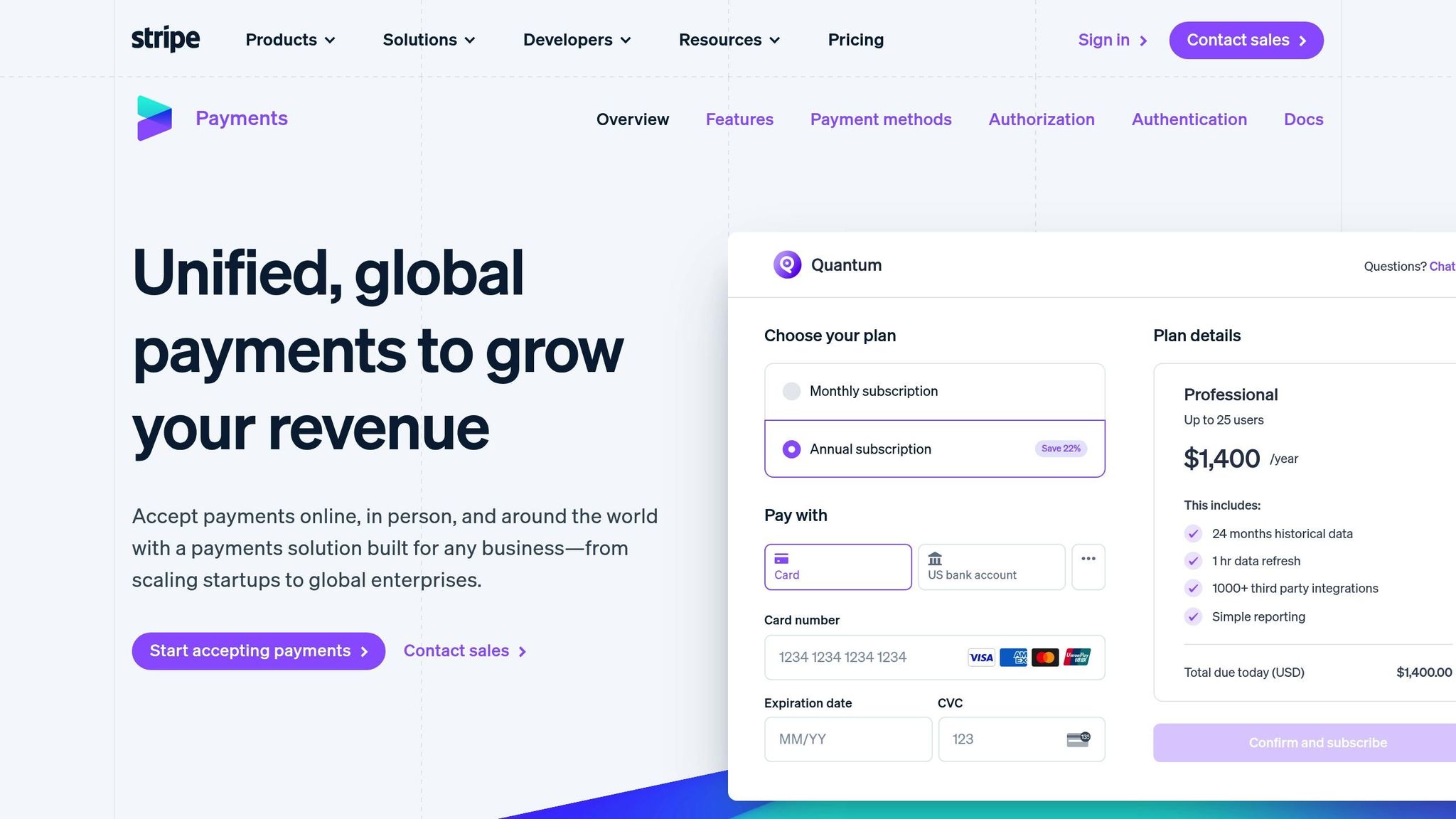
With your site live over HTTPS, connecting Stripe takes a couple of minutes. (On managed hosting the SSL part is already done — you can jump straight to step 2.)
- Create or sign in to your Stripe account. Use an existing account if you have one, especially if you're migrating subscribers — keeping the same account avoids interrupting active billing.
- Connect Stripe to Ghost. In Ghost Admin go to Settings → Membership → Stripe, click Connect with Stripe, sign in, then copy the secure key back into Ghost and save. You can connect in test mode first to trial everything safely.
- Turn on memberships. Still in Settings → Membership, enable signups and decide whether you'll offer free, paid, or both.
That's the whole integration. Because it's native, there's nothing to keep patched — one of the reasons creators pick Ghost over heavier systems (see WordPress vs Ghost CMS: which platform suits your business).
Configuring your subscription tiers
Once Stripe is connected, create your paid tiers under Settings → Tiers. Each tier becomes a product in Stripe automatically, with monthly and yearly billing options synced for you.
A few proven choices when structuring offers:
- Set a clear value ladder. A simple three-tier structure converts well — for example a reader-facing entry tier, a mid tier with the full archive, and a premium tier with extras like community access or a private newsletter. (These are prices you charge your audience — separate from your hosting cost.)
- Offer annual billing. Yearly plans improve cash flow and retention; highlight the saving versus paying monthly.
- Lead with one currency. Pick the currency most of your audience uses and keep it consistent across tiers.
- Keep entry pricing meaningful. Very low entry prices tend to convert worse than a confident, value-anchored tier.
For the editorial side of this — what to gate, how to price, how to write the offer — see how to make money with a paid blog and our broader guide to how to monetise a website.
Test before you launch
Never put a payment form live without testing it. Stripe's test mode lets you simulate the full journey with sample card numbers:
- Process successful and declined test payments.
- Trigger 3D Secure / Strong Customer Authentication prompts.
- Confirm webhooks fire so member access is granted instantly.
- Run through subscription renewals, upgrades and cancellations.
Stripe's Sandbox gives you an isolated space to trial features without touching live data. Once you're confident, switch Stripe to live mode in Ghost and run one small real transaction end to end.
Getting paid: how Stripe payouts work
This is the part creators most often overlook. When a member subscribes, the money lands in your Stripe balance, not your bank account — Stripe then pays out to your linked bank account on a rolling schedule (commonly every 2–7 days depending on your country and account history). You can see upcoming and past payouts in the Stripe dashboard.
A few essentials:
- Verify your account early. Stripe holds payouts until identity and bank details are confirmed — do this before launch, not after your first sale.
- Watch the first-payout delay. New accounts often wait around a week for the first payout; it speeds up after that.
- Plan for failed payments. Stripe's Smart Retries and dunning emails automatically recover a meaningful share of failed renewals, protecting your recurring revenue.
Tax, VAT and staying compliant
Selling digital subscriptions means you're responsible for the right sales tax or VAT — and the rules depend on where your buyers are, not just where you are. In the EU, VAT on digital services is generally due based on the customer's location; the UK, US states and other regions each have their own thresholds.
Practical steps:
- Enable Stripe Tax to automatically calculate and collect the correct rate at checkout based on the customer's location.
- Keep clean records of every transaction for your accountant and any registration thresholds.
- Show prices clearly — be explicit about whether tax is included, in line with consumer-protection rules in your market.
If cross-border tax feels daunting, this is another reason creators value a setup where the heavy lifting is handled for them. Hosting your media as a business? See how to create and monetise an online media.
Designing a checkout people actually complete
A large majority of online carts are abandoned, so checkout UX directly drives revenue. The good news: Ghost's native flow is already short and on-brand.
Keep it frictionless:
- Match your brand. Stick to your colours and typography so the payment step feels native, not bolted on.
- Reassure on security. Visible SSL and trusted-payment cues lift completion rates.
- Optimise for mobile. Most readers will subscribe from a phone — use thumb-friendly buttons, 16px+ inputs to avoid iOS zoom, and wallet buttons (Apple Pay / Google Pay) for one-tap checkout.
- Cut the fields. Ghost only needs an email to create a member — fewer fields, higher conversion.
Pair the payment flow with a strong free newsletter to grow the top of your funnel: see how to create a paid newsletter with Ghost CMS and 5 steps to set up a professional newsletter system.
Limitations and custom options
Ghost's payment system is deliberately focused on Stripe and membership/subscription billing — it isn't a full e-commerce store. For most creators that's a feature, not a bug. But if you have unusual needs, you have options:
| Method | What it enables | Best for |
|---|---|---|
| Zapier / webhooks | Connect other payment sources to member creation | Multiple income streams |
| Ghost Admin API | Build custom payment-to-member flows | Technical users |
| CSV import | Bulk-import existing members | Migrating from another platform |
If you process payments outside Ghost, disable free signups so access stays controlled. For a deeper build, how to launch a subscription website with Ghost CMS covers the full picture. Moving from Substack with paying subscribers? Migrating from Substack to Ghost CMS keeps your revenue intact.
FAQ
1. What is the best payment system for content creators?
For most creators, Stripe paired with Ghost CMS's native memberships is the best option. Stripe handles secure card processing and payouts in 135+ currencies, while Ghost manages tiers, recurring billing and member access — with no extra transaction fees on top of Stripe's standard rate. You own the audience and keep more of the revenue than on closed platforms.
2. How do I start accepting payments on Ghost CMS?
You need a live Ghost site running over HTTPS, then connect Stripe in Settings → Membership → Stripe and create your paid tiers. The fastest route is managed hosting for Ghost from Abstract27, which provides a secure, SSL-ready, Stripe-enabled site from €10/month billed yearly, with a 14-day free trial and no credit card required.
3. Does Ghost or Stripe take a cut of my subscription revenue?
Ghost charges no extra transaction fee and takes no commission — you keep 100% of your revenue minus only Stripe's standard processing fee (roughly 1.5% + €0.25 on European cards, a little more on international cards). That's far less than platforms that deduct a percentage of every payment.
4. When do I actually get paid?
Subscription payments land in your Stripe balance, and Stripe pays out to your linked bank account on a rolling schedule — often every 2–7 days once your account is verified. New accounts usually wait about a week for the first payout, then it speeds up. Verify your identity and bank details before launch to avoid delays.
5. Do I need to handle VAT or sales tax on digital subscriptions?
Yes. Tax on digital subscriptions generally depends on where your buyers are located. Enabling Stripe Tax automatically calculates and collects the correct VAT or sales tax at checkout, and you should keep clean transaction records for your accountant and any registration thresholds in your market.
6. Can I migrate my existing paid subscribers to Ghost?
Yes. Keep the same Stripe account to avoid interrupting active billing, and use Ghost's member import (or CSV) to bring your audience across. With Abstract27, migration from WordPress, Substack, Medium and more is included and done for you.
Conclusion
Setting up a payment system used to be the scary part of going independent. In 2026 it's a short checklist: get a secure Ghost site, connect Stripe, build your tiers, test, and turn on tax collection. From there you own the whole relationship — your audience, your data and your revenue — with nothing skimmed off the top.
The quickest way to get there is to skip the server work entirely. With managed hosting from Abstract27, your Stripe-ready Ghost site is live in one click, migration is handled, and you can be taking payments today.
Ready to get paid for your work? Start with a free 14-day trial — no credit card required.
Related articles

5 Steps to Set Up a Professional Newsletter System
Learn to create a professional newsletter system in five steps that enhances engagement and drives measurable results for your audience.

7 Essential Ghost CMS Features for Content Monetisation (2026)
7 essential Ghost CMS features for content monetisation in 2026 — memberships, paid newsletters, Stripe payments and more to turn readers into recurring revenue.

How to Launch a Subscription Website with Ghost CMS (2026)
Learn how to launch a subscription website with Ghost CMS in 2026: native memberships, Stripe payments, paid newsletters and tiered content, step by step.
14-day free trial · No credit card