 Abstract27
How to Create a Website for Doctors Step by Step

On this page
- The steps to creating a website for doctors
- 1. Define the goals and requirements of the site
- 2. Choose a CMS to manage the site
- 3. Select reliable hosting and a domain name
- 4. Design a professional and intuitive site
- 5. Write and optimise content for SEO
- 6. Secure the site and comply with GDPR
- 7. Promote and raise awareness of the site
- Examples of medical websites built with Ghost CMS
- Dr Alexandre Nairi – General practitioner in London
- Dr Odile De Mesmay – General practitioner at Cromwell Hospital, London
- Conclusion
A well-designed website lets you showcase your services, share practical information, and streamline online appointment booking.
Ghost CMS is an ideal solution for healthcare professionals looking for a platform that is easy to use, fast, secure, and optimised for search engines (SEO).
Unlike WordPress, Ghost is built for simplified content management without the need for complex technical maintenance.
In this article, we'll walk through step by step how you can create an effective medical website with Ghost CMS, applying the best practices in design, SEO, and content management.
The steps to creating a website for doctors
Building a medical website calls for a structured approach to ensure smooth navigation, clear information for patients, and compliance with legal requirements such as GDPR.
Here are the essential steps you should follow to design a high-performing website tailored to your needs as a doctor.
1. Define the goals and requirements of the site
Before you start designing the site, it's crucial to pin down the main objectives:
- Inform patients: Introduce the doctor, their specialities, their background, and their certifications.
- Make booking easier: Integrate an online booking tool such as Calendly.
- Provide health advice: Create a medical blog to share articles on prevention and wellbeing.
- Improve communication: A contact form, FAQ, or live chat to answer patients' questions.
- Boost search rankings: Write optimised content to rank well on Google.
2. Choose a CMS to manage the site
Ghost CMS is particularly well suited to medical websites thanks to its speed, ease of use, and built-in SEO performance.
Unlike other platforms such as WordPress, Ghost is optimised for publishing medical content without requiring additional plugins.
The advantages of Ghost CMS for a doctor:
- A clean interface that's easy to manage.
- Fast loading times and an excellent user experience.
- Built-in SEO features for better search rankings.
- Enhanced security to protect sensitive patient data.
- The option to add a newsletter to keep patients regularly informed.
With managed hosting like the one offered by Abstract27, setting up Ghost CMS is straightforward and guarantees optimal performance without complex technical management.
3. Select reliable hosting and a domain name
To guarantee a secure site that's available around the clock, it's essential to choose high-performing hosting.
Abstract27 offers a managed solution that takes care of the site's installation, maintenance, and security.
Choosing the domain name is also strategic. It should be:
- Simple and memorable: For example, dr-name.com or doctor-city.co.uk.
- Professional: Use a credible extension such as .com, .co.uk, or .health.
- Optimised for search: Include the practitioner's name or their speciality.

4. Design a professional and intuitive site
A medical website's design should be clear, understated, and reassuring. It should let patients find the key information quickly.
Ghost CMS offers many themes suited to medical websites, allowing doctors to choose a professional design without needing any development knowledge.
These themes are optimised for readability, speed, and accessibility on every device (desktops, tablets, and smartphones).
Once you've chosen your theme, you need to create the main pages of your site:
- Home page: Introduce the doctor and the services on offer.
- About: Biography, qualifications, and specialisations.
- Services: A list of the available consultations (general practice, paediatrics, prevention, etc.).
- Booking: A link to an online calendar such as Doctolib.
- Medical blog: Prevention articles and health advice.
- Contact: The practice address, phone number, and a contact form.
5. Write and optimise content for SEO
Good search optimisation makes the site visible on Google when a patient searches for a doctor in their town.
Ghost CMS comes with built-in SEO tools that make this optimisation easier.
SEO best practices for a medical website:
- Use strategic keywords: For example, "GP London", "paediatric consultation London".
- Create content regularly: Blog articles on prevention and health.
- Structure pages with clear headings and subheadings.
- Optimise images to improve the site's speed.
- Add a Google Business Profile page to improve local visibility.
6. Secure the site and comply with GDPR
A medical website holds sensitive data. It's essential to ensure optimal security and comply with the regulations in force, in particular GDPR.
- SSL certificate: Ensures a secure connection (HTTPS).
- Legal notices and privacy policy: Inform patients about how their personal data is handled.
- Compliant forms: Add explicit consent before collecting any information.
- Automatic updates and backups: Protect data against cyberattacks.
7. Promote and raise awareness of the site
Once the site is live, it's important to adopt an effective communication strategy:
- Local SEO: Get listed on Google Business Profile and medical directories.
- Use social media: Share health tips on LinkedIn, Facebook, or Instagram.
- Email and newsletter: Send medical news and appointment reminders.
- Encourage patient reviews: Good feedback enhances the practitioner's reputation.
Examples of medical websites built with Ghost CMS
Some doctors have already adopted Ghost CMS to build their professional website, giving them a platform that's fast, optimised for search, and easy to manage.
Thanks to Abstract27 managed hosting, these sites benefit from optimal performance, enhanced security, and dedicated technical support.
Here are two very well-made examples:
Dr Alexandre Nairi – General practitioner in London

Dr Alexandre Nairi, a general practitioner and specialist in preventive and pro-aging medicine, uses docnairi.com, a site built with Ghost CMS and hosted by Abstract27. His site stands out for:
- Clear and intuitive navigation, letting patients quickly find the essential information.
- A detailed presentation of services: general practice, urgent consultations, and anti-ageing care.
- An active medical blog, offering advice on preventive health and wellbeing.
Thanks to Ghost CMS, Dr Nairi can easily publish medical content and optimise his pages for search, improving his visibility among French-speaking patients in London.
Dr Odile De Mesmay – General practitioner at Cromwell Hospital, London

Dr Odile De Mesmay, working as a general practitioner at Cromwell Hospital, chose Ghost CMS and Abstract27 to build and host her site gp-london.com. Her site focuses on:
- A holistic approach to medicine, highlighting family medicine, paediatrics, and women's health.
- An FAQ section, which answers patients' common questions and makes getting in touch easier.
- A clean, professional design, offering smooth and pleasant reading on all kinds of devices.
With Ghost CMS, she can easily update her content and give her patients quick access to the essential information.
These two examples show that Ghost CMS, paired with Abstract27 managed hosting, is an ideal solution for doctors who want a fast, secure, and search-optimised website, without any technical constraints.
Conclusion
Building a medical website with Ghost CMS gives doctors a high-performing, secure platform that's optimised for Google and easy to manage.
Thanks to Abstract27 managed hosting, the installation, maintenance, and security are all taken care of, letting practitioners focus on their work without worrying about the technical side.
If you're a doctor and want to grow your online presence with a professional, well-ranked website, Ghost CMS and Abstract27 are the ideal solution.
Our work in health and wellbeing
All case studies →
Dispensaire Français: a bilingual WordPress-to-Ghost rebuild for a medical and social charity
How Abstract27 rebuilt the website of the Dispensaire Français – French Benevolent Society: two Ghost instances in French and English, 664 contacts migrated, a newsletter sent from the site, an online donation form with Gift Aid built in, 132 redirects and the old WordPress archived for good.

Website Redesign for Francine Joyce
See how we helped Francine Joyce, a diet expert, with a new website that lets her book her own appointments. This change makes it easier for her to handle her schedule
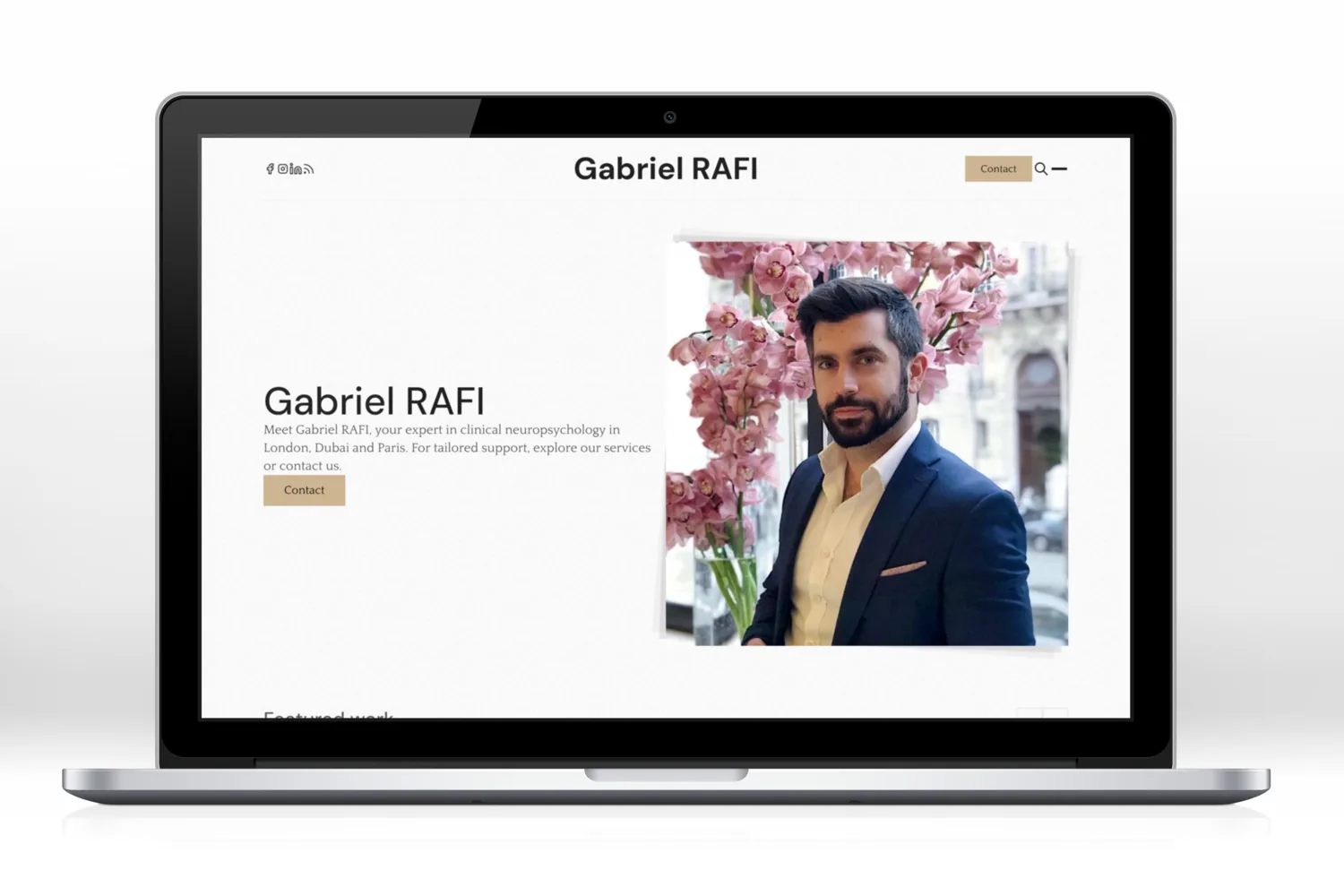
SEO optimisation and website redesign for Gabriel Rafi
How Abstract27 revived clinical neuropsychology expert Gabriel Rafi's website, applying targeted SEO work to improve his visibility on the keyword "Gabriel Rafi".

Huguette Lelong healthy life
Huguette Lelong is a passionate nutritionist who truly believes that good health and wellbeing start with a healthy diet and sustainable lifestyle changes.

Medicare Français
Medicare Français is a well-known provider of private healthcare services to French-speaking people in London.
Related articles

Affordable Website Redesign with Ghost CMS: How to Transform Your Site Without Breaking the Bank
Affordable website redesign: switch to Ghost CMS for a fast, optimised, hassle-free site that won't cost you a fortune.

Website Maintenance: Everything You Need to Know
A complete guide to website maintenance: types, frequencies, security, SEO and tools to keep your site fast and reliable.

The Best Examples of Successful Showcase Websites
Discover examples of successful showcase websites with inspiring designs, key features and direct links to explore.
14-day free trial · No credit card