 Abstract27
How to Create a Website for Journalists
On this page
- Introduction
- Why should a journalist create their own website?
- 1. Control over the narrative
- 2. Greater professional visibility
- 4. Performance statistics
- The key steps to building a journalist's website
- 1. Planning the site
- 2. Choosing and setting up your CMS platform
- 3. Step-by-step guide to setting up Ghost for a journalist's site
- 4. Creating and managing content
- Case study: Français à Londres
- 1. Why Ghost was chosen
- 2. Development and growth
- 3. Lessons from the case study
- Mistakes to avoid when building a journalist's site
- 1. Non-responsive design
- 2. Ignoring search engine optimisation (SEO)
- 3. Redundant or low-quality content
- Conclusion
Introduction
Journalists sit at the heart of a fast-changing media landscape. Traditional platforms and social media keep reshaping the way information is shared and consumed.
It has become essential for journalists to have a personal digital space where they can control the narrative and sharpen their professional brand.
This detailed guide is designed to help journalists build a polished, high-performing website using Ghost CMS, a content management system known for its simplicity and SEO strength.
We'll start by looking at why it's so important for a journalist to develop their own website.
Then we'll walk through the key steps for setting up an effective site with Ghost CMS, illustrated by the case studies below:
[Français à Londres: Turning a Community into a Profitable Media Outlet
Discover how Abstract27 propelled "Français à Londres" towards digital success. From an SEO overhaul to innovative monetisation, this case study showcases our expertise in building high-performing community media.
 Abstract 27 | French web communication agency, based in Londonjeremielondon
 ](/portfolio)[WordPress to Ghost Migration: How APAR.TV Saved Its Media Outlet with a Complete Overhaul
Discover how migrating more than 8,000 articles from WordPress to Ghost transformed APAR.TV from a slow, ad-saturated site into a high-performing, profitable media outlet. A full case study of this successful digital transformation.
 Abstract 27 | French web communication agency, based in LondonJérémie Raude-Leroy
 ](/portfolio)
Finally, we'll share practical tips and mistakes to avoid so your web project succeeds.
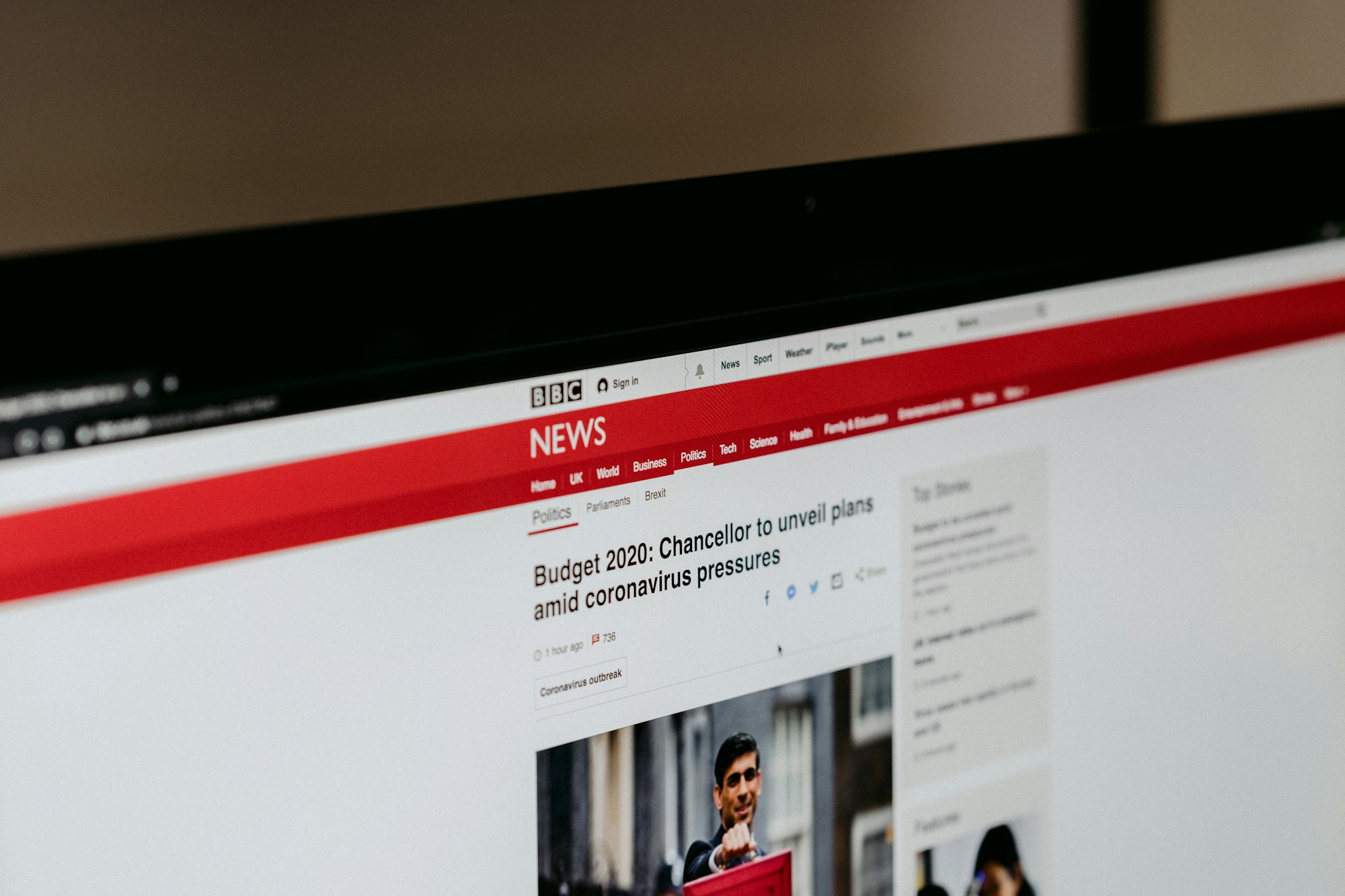
Why should a journalist create their own website?

source: Unsplash
1. Control over the narrative
As a journalist, owning your own website gives you complete control over the content you publish. This is crucial in a media environment where information can so often be distorted.
With your own platform, you have the power to present the facts, analyse events and tell stories from your own authentic perspective, free of outside interference.
2. Greater professional visibility
A personal website works like a living portfolio where you can not only showcase your best work but also demonstrate your ability to cover a range of topics.
This can be especially valuable for attracting potential employers, freelance clients, or simply for reinforcing your credibility as an expert in your field.
Your site can become an extra source of income through various monetisation methods, such as advertising, sponsored articles and subscriptions.
With a well-thought-out strategy, you can use your content not only to inform but also to generate revenue.
4. Performance statistics
Having a website lets you use analytics tools to track and measure your audience's engagement.
This data is essential for understanding what resonates with your readers and for fine-tuning your content strategy around your audience's preferences and behaviours.
The key steps to building a journalist's website
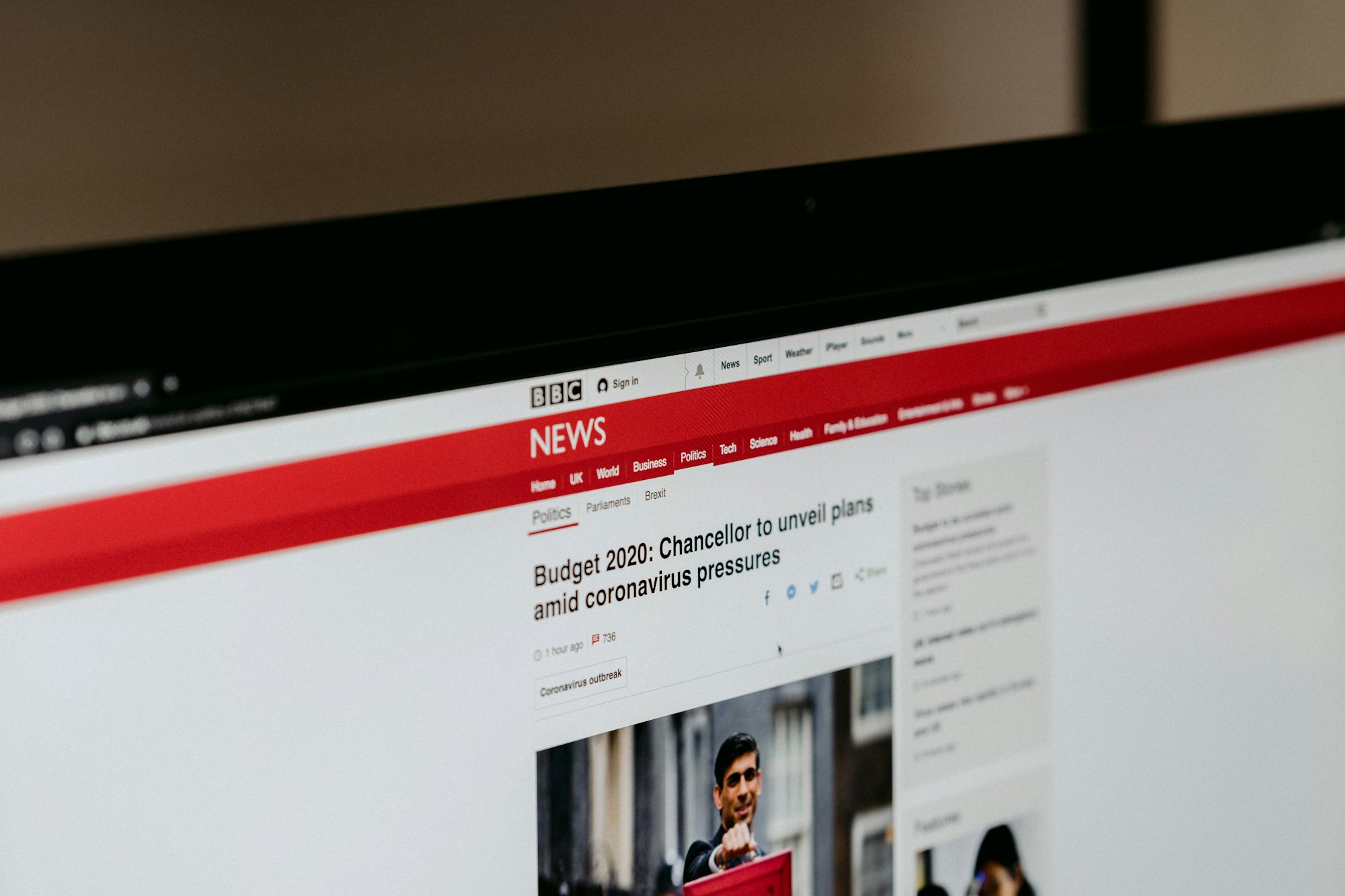
Source: Unsplash
1. Planning the site
A. Define specific goals for the site
Before you begin, decide clearly what you want to achieve with your site. Do you want to publish in-depth articles, reportage, interviews, or a combination of these?
Do you want to include features like newsletters or podcasts? Defining these goals will help you structure your site effectively.
B. Analyse your target audience and their preferences
Who are your potential readers? What topics interest them? Use surveys, interviews and data analysis to understand your audience's expectations. This step is crucial for creating content that resonates and engages.
C. Plan the type of content you'll produce
Based on your target audience, plan the type of content you're going to produce.
Vary the formats to keep readers engaged: articles, videos, podcasts and infographics are all formats that can enrich the user experience on your site.
2. Choosing and setting up your CMS platform
When building a website, the choice of content management system (CMS) is crucial.
A CMS lets users create, manage and edit their site's content without needing deep coding knowledge.
Popular options include WordPress, Joomla, Drupal and Squarespace, each offering different features suited to varying needs and levels of technical skill.
However, for journalists looking for a simple, effective solution focused on written content, Ghost CMS stands out.
Designed specifically for content publishers, Ghost offers a clean, writing-centred interface, without the distractions or complexity sometimes found in other systems.
Its SEO-optimised architecture also helps ensure your content reaches its target audience effectively, making it a smart choice for media professionals keen to maintain a strong, relevant online presence.
3. Step-by-step guide to setting up Ghost for a journalist's site

A. Choose a host compatible with Ghost
To get started with Ghost, it's crucial to choose a host that not only supports the platform but also makes installation and day-to-day management simple.
While a few hosts such as DigitalOcean offer one-click installs for Ghost, it's worth noting that these options can require a degree of technical familiarity to manage the CMS day to day.
Abstract27 : A specialist host for Ghost
For journalists who prefer a turnkey solution, Abstract27 stands out as a trusted provider.
Abstract27 offers "done-for-you" Ghost installations, where you don't have to worry about the technical details.
We'll set it up for you from £12 a month
Our team takes care of the full installation, configuration and even the day-to-day maintenance of your Ghost site, so you can focus entirely on creating content.
 →
→Ghost(Pro) : The official solution
For those after a more integrated solution, Ghost(Pro), Ghost's official hosting service, offers a hassle-free experience with the assurance of perfect compatibility and direct support from the Ghost developers.
Ghost(Pro) is ideal for those who want to avoid any technical configuration and benefit from optimal performance guaranteed by the platform's creators.
It's worth pointing out that this solution can become costly and offers little control over your website.
B. Install Ghost CMS
Once you've chosen Abstract27 or another hosting option such as Ghost(Pro):
- Logging in to your hosting control panel: If you go with Abstract27, the team handles the entire installation process. For other hosts, you'll need to log in to your control panel.
- Installing Ghost: With Abstract27, there's nothing for you to do. For other providers, look for the one-click install option for Ghost and follow the instructions to install the platform on your domain.
- Accessing your Ghost dashboard: Once the installation is complete, whether through Abstract27 or under your own steam, you'll have access to your Ghost dashboard to begin customising and configuring your site.

C. Choose a theme
Ghost offers a variety of themes suited to journalists' needs. Choose a theme that showcases written content with maximum clarity and efficiency:
- Liebling: Ideal for a news or magazine site, offering a clean layout and intuitive navigation.
- Edition: Perfect for bloggers and journalists, with an emphasis on typography and readability.
- Pico: A minimalist theme that focuses on storytelling without distraction.
Explore the options on the Ghost marketplace or other Ghost-compatible theme sources to find the one that best suits your journalistic style.
D. Carry out the initial configuration
Configure your site's basic settings to optimise how it works and looks:
- Profile information: Complete your profile with a photo, a biography and contact details to strengthen credibility and a personal connection with your readers.
- SEO settings: Configure titles, descriptions and meta tags for each page to improve your site's search ranking.
- Social integrations: Connect your site to social networks such as Twitter, Facebook and LinkedIn to make sharing content easier and boost engagement.
E. Extra tips for journalists
Choosing your integrations
For a journalist's site, some integrations can be particularly useful:
- Analytics tools: Integrate tools like Google Analytics to track visitor engagement and content effectiveness.
- Comments: Use systems like Disqus or Commento to let readers leave comments, encouraging interaction.
- Newsletter: Integrate services like Mailchimp to manage newsletter subscriptions, helping you stay in regular contact with your audience.
Security and backups
Make sure your site is secure and that backups are carried out regularly. Use plugins or services offered by your host to protect against spam, malicious attacks and data loss.
4. Creating and managing content

Source: Unsplash
Creating quality content is crucial for establishing and maintaining a journalist's reputation online.
Here are detailed strategies for producing engaging, credible content, along with techniques for managing publishing effectively.
A. Strategies for creating engaging, credible content
Diversify your topics: To attract and retain a varied audience, cover a wide range of topics that interest your target readers.
This can include in-depth analysis, exclusive interviews, on-the-ground reporting, and commentary on current events.
Prioritise quality over quantity: Every article should be rigorously researched, factually accurate and well written.
This includes thorough fact-checking, clear and concise writing, and careful attention to grammar and style.
Use visuals to complement your text: Images, videos, infographics and other visual elements can enrich your articles, make complex concepts more accessible, and increase reader engagement. Make sure visuals are high quality and relevant to the content.
B. Techniques for keeping to a regular publishing schedule
Plan your posts in advance with an editorial calendar: Use planning tools like Trello, Google Calendar or Asana to organise topics, publication dates and deadlines.
An editorial calendar helps you visualise your long-term content strategy and stay organised, which is essential for maintaining an active, relevant online presence.
Bring in occasional contributors or freelancers: To diversify your content and ease your workload, consider bringing in external contributors.
This can include other journalists, experts in specific fields, or guest writers. Outside contributions can bring fresh perspectives to your site and attract different audiences.
Respond quickly to current events: As a journalist, being among the first to cover breaking news can significantly increase your site's visibility.
Develop a way to react quickly, whether through in-depth articles, instant commentary or live updates.
Engage with your audience: Encourage comments and dialogue on your articles to boost engagement.
Responding to comments and taking part in discussions can strengthen your relationship with readers and give you valuable insight into their interests and preferences.
Case study: Français à Londres

Français à Londres is an online magazine designed to serve as a platform for the French-speaking community living in the United Kingdom.
This site was built with Ghost CMS, choosing the platform for its ease of use and advanced SEO features, which are essential for a magazine targeting a specific niche.
1. Why Ghost was chosen
Ease of use and SEO capabilities: the choice of Ghost CMS for "Français à Londres" was driven by how easily editors can manage content and optimise it for search engines, without needing deep technical skills.
This allows a small team to manage the site efficiently while maximising online visibility.
2. Development and growth
Since its launch, "Français à Londres" has seen its readership grow steadily.
The strategic use of targeted content, combined with rigorous SEO optimisation, has enabled the magazine to reach and engage its target community effectively.
The site now counts nearly 40,000 newsletter subscribers.

3. Lessons from the case study
A. Ghost CMS: an ideal choice for journalists
The success of "Français à Londres" demonstrates how effective Ghost CMS is for journalists looking to launch and grow their readership.
Its ease of use and content-centred interface let journalists focus on writing without technical distractions.
What's more, Ghost offers excellent built-in SEO capabilities, essential for reaching a wider audience and establishing a solid digital presence.
B. Careful content planning
A well-crafted content strategy was crucial to the magazine's development.
Rigorous planning, anticipating the audience's interests, and consistent publishing all helped to build a loyal, engaged community.
C. The importance of responsive design
"Français à Londres"'s ability to adapt its design to various devices played a key role in growing its audience.
Responsive design ensures that all users, whatever their device, enjoy an optimal user experience, thereby increasing visits and engagement on the site.
D. The effectiveness of a well-executed SEO strategy
Search engine optimisation was a decisive factor in increasing the online visibility of "Français à Londres".
Effective SEO techniques, such as the targeted use of keywords and a well-organised site structure, were essential for attracting qualified traffic.
E. Interactivity and engagement
The site benefited from the successful integration of interactive features, such as comments and forums, which encouraged readers to take part actively and get more involved, thereby strengthening the community around the magazine.
Mistakes to avoid when building a journalist's site
1. Non-responsive design
Make sure your site is easy to navigate on every device, as readers increasingly access content on the go via their smartphones and tablets.
2. Ignoring search engine optimisation (SEO)
Failing to optimise your site for search engines can limit your visibility and reduce your potential audience. A basic understanding of SEO is essential for any successful web project.
3. Redundant or low-quality content
Avoid publishing content that doesn't add value for your readers. Quality should always come before quantity to maintain your audience's interest and loyalty.
Conclusion
This guide has worked through the essential steps for building a journalist's website, from planning to promotion. Every step is crucial and contributes to the overall success of the project.
By using the tools and strategies presented in this guide, you can not only improve your professional visibility but also create monetisation opportunities.
Get started on building your journalist's website with Ghost CMS and boost your career today.
Related articles

Affordable Website Redesign with Ghost CMS: How to Transform Your Site Without Breaking the Bank
Affordable website redesign: switch to Ghost CMS for a fast, optimised, hassle-free site that won't cost you a fortune.

How to Create a Website for Doctors Step by Step
A professional website is now essential for doctors who want to improve their visibility and make communicating with patients easier.

Website Maintenance: Everything You Need to Know
A complete guide to website maintenance: types, frequencies, security, SEO and tools to keep your site fast and reliable.
14-day free trial · No credit card