 Abstract27
Redesigning Your Website: 7 Steps to Succeed
On this page
- Introduction
- Why do businesses invest in redesigning their websites?
- Outdated design
- User experience (UX)
- Business growth
- Technological advances
- What are the different types of website redesign?
- Visual redesign
- Structural redesign
- Platform and technology updates
- How do you redesign your website?
- Step 1: Run an audit of your current site
- Step 2: Set clear goals
- Step 3: Design the mockups
- Step 4: Development and testing phase
- Step 5: Quality assurance before going live
- Step 6: SEO optimisation and launch
- Step 7: Post-launch monitoring and adjustment
- What are the main considerations for a successful website redesign?
- SEO strategy
- Mobile optimisation
- Site performance
- Site security
- Accessibility
- Conclusion
Introduction
Did you know that 80.8% of website redesign projects are kicked off because of low conversion rates? That's what a survey by GoodFirms revealed.
It makes sense: a site's conversion rate is directly tied to how it looks and the user experience (UX) it offers visitors.
A good redesign can improve the user experience, strengthen your Google ranking, and bring your site in line with the latest technology trends.
In this in-depth article, we'll walk through the crucial steps to a successful website redesign.
From running an initial audit to optimising after launch, we'll guide you through every critical phase to make sure your new site isn't just beautiful, but also high-performing and aligned with your business goals.
Why do businesses invest in redesigning their websites?
Here are some of the most notable reasons:
Outdated design
With web design trends evolving so quickly, a site that looked modern a few years ago can soon feel dated.
An ageing design can hurt your brand, suggesting that your business isn't keeping pace with innovation. A redesign brings your site up to date and reinforces the image of a forward-thinking company.
"Design is not just what it looks like and feels like. Design is how it works."
 Steve Jobs
User experience (UX)
UX sits at the heart of a website's performance. A good user experience lowers bounce rates and increases engagement and conversions.
By optimising navigation, loading speed, and interactivity, a redesign can turn your visitors' experience into something smooth and enjoyable.
Business growth
Businesses evolve, and your website should evolve with them. Whether you're expanding your range of services or products, or shifting your vision or mission, a redesign can align your online presence with your company's current strategy.
This ensures your website communicates your current value proposition to your customers effectively.
Technological advances
Web technology keeps moving forward, opening up new ways to improve the security, speed, and accessibility of websites.
Adopting these technologies through a redesign can not only make your website more efficient, but also give you a competitive edge in a constantly changing digital landscape.
What are the different types of website redesign?
Visual redesign
- Aesthetic improvement: A visual redesign focuses on refreshing graphic elements such as colours, typography, and layout. This can strengthen your brand identity and improve visual consistency across the site.
- Brand consistency: A visual redesign ensures that every visual aspect of your site accurately reflects your current brand, which is essential for maintaining users' trust and recognition.
Structural redesign
- Improved navigation: Changing your site's architecture can greatly improve the user experience by simplifying navigation and making information easier to find.
- Optimised user journeys: A structural redesign lets you review and optimise the paths users take through your site, often with the goal of maximising conversions.
Platform and technology updates
- Adopting modern CMSs: Moving to a more modern technology or content management system (CMS) can simplify content management and improve your site's performance.
💡
Expert tip
Ghost CMS is an open-source CMS known for its simplicity, speed, and SEO-friendly features. Choosing Ghost CMS for a redesign could significantly improve your site's performance and speed — both crucial factors for SEO and user experience.
- Migrating from HTTP to HTTPS: Security is a growing concern for users and search engines alike. Updating your security, including the move from HTTP to HTTPS, is often an essential part of a redesign.

How do you redesign your website?
Now let's explore the 7 steps to carrying out a successful website redesign:
Step 1: Run an audit of your current site
Source: Unsplash
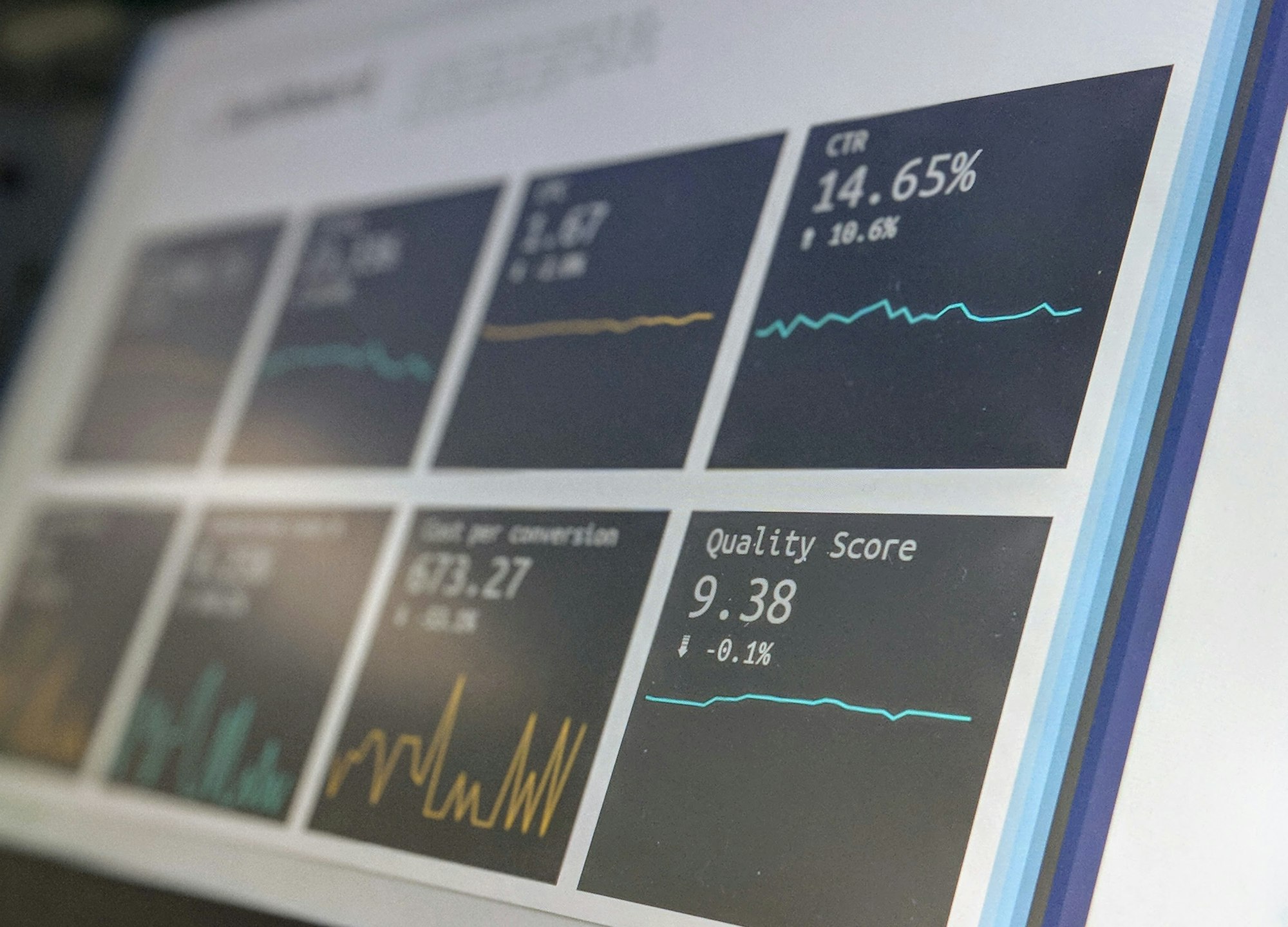
- Analyse current performance: Use tools like Google Analytics or Plausible to assess your site's key performance metrics, such as bounce rates, time spent on site, and conversion rates.
- Identify strengths and weaknesses: Work out which elements of your site are working well and which aspects need improvement. This might include analysing UX, loading speed, and mobile compatibility.
Step 2: Set clear goals
- Technical goals: Based on the audit results, define precise goals for the redesign. These might include improving conversion rates, reducing bounce rates, or increasing user engagement.
- Alignment with business objectives: Make sure the redesign goals are in harmony with the company's overall strategy, such as market expansion or improving brand image.
Step 3: Design the mockups
- Create wireframes and mockups: Develop mockups of your redesigned site to serve as a visual guide for the new design. Use user feedback to iterate on and refine these designs.
Definitions
A wireframe is a basic diagram representing the layout of elements on a user interface, without any aesthetic detail. It serves to organise the structure and navigation of a site or app.
A mockup is an advanced visual representation of a user interface that includes graphic detail, colours, and styles. It gives a more realistic preview of the final product before development.
Iterative design approach: Adopt an iterative methodology, running regular user testing to make sure the new designs genuinely meet your users' needs.
Step 4: Development and testing phase
Source: Unsplash
- Choosing the platform: Select a content management platform that meets your specific needs, whether that's a bespoke solution or a popular CMS like WordPress or Ghost CMS.
- Coding and development: Turn the mockups into a functioning website. Make sure the code is clean, well-organised, and compliant with current standards.
- Pre-production testing: Before launching the site, run thorough tests in a staging environment to make sure everything works as intended.
Step 5: Quality assurance before going live
- Quality checks: Review every page and feature to make sure they meet the quality and performance standards you've set.
- Web standards compliance: Check that the site complies with the latest web standards, including accessibility and responsiveness across different devices.
Step 6: SEO optimisation and launch
- On-page SEO: Apply on-page SEO best practices, such as improving title tags, meta descriptions, and URL structures.
- Redirects: Set up effective redirects to preserve the SEO value of old pages that have been changed or removed.
💡
Check out our article on SEO for Ghost CMS
Step 7: Post-launch monitoring and adjustment
- Performance tracking: Use tools like Google Analytics to track the site's performance after launch.
- Continuous improvement: Based on the data you gather, keep making adjustments to optimise the site's performance and user experience.
What are the main considerations for a successful website redesign?
SEO strategy
Your redesign should build in a solid SEO strategy from the very start. This includes researching relevant keywords to understand the terms your target audience uses when searching for services or products like yours.
Weave these keywords into your content, headings, meta descriptions, and URLs to improve your site's visibility in search engine results.
Mobile optimisation
With mobile devices dominating internet access, it's essential that your site is responsive.
This means your site's design must adapt and work perfectly across a variety of screen sizes, from smartphones to tablets, ensuring an optimal user experience.
Site performance
Loading speed is a crucial factor not only for UX but also for SEO.
Studies show that sites which load quickly have higher conversion rates. Make sure you optimise images, use appropriate caching, and minimise JavaScript and CSS to speed up your site.
Site security
Keeping your website secure is more crucial than ever, especially if you're handling sensitive data such as customer payment information.
Making sure your site uses HTTPS is a must — not only for security but also because Google favours secure sites in its rankings.
Accessibility
Your site should be accessible to all users, including those with disabilities.
This means following Web accessibility guidelines, such as providing alt text for images and ensuring the site can be navigated using the keyboard alone.
Conclusion
Redesigning your website isn't just a question of aesthetics — it's crucial for keeping your online presence competitive and aligned with today's consumer expectations and technology standards.
By following the steps outlined in this article, you can improve not only your site's aesthetics but also its performance, security, and accessibility.
If you're ready to transform your website but need guidance or support, don't hesitate to get in touch — we'll be glad to guide you.
Related articles

Affordable Website Redesign with Ghost CMS: How to Transform Your Site Without Breaking the Bank
Affordable website redesign: switch to Ghost CMS for a fast, optimised, hassle-free site that won't cost you a fortune.

How to Create a Website for Doctors Step by Step
A professional website is now essential for doctors who want to improve their visibility and make communicating with patients easier.

Website Maintenance: Everything You Need to Know
A complete guide to website maintenance: types, frequencies, security, SEO and tools to keep your site fast and reliable.
14-day free trial · No credit card